 Oravita
Built around salah, made for long working days
People who sit at a computer for ten or twelve hours lose track of the basics: they pray late, barely move, eat at random and sleep short. Oravita joins prayer and health into one daily plan.
Prayer alarms that always ring
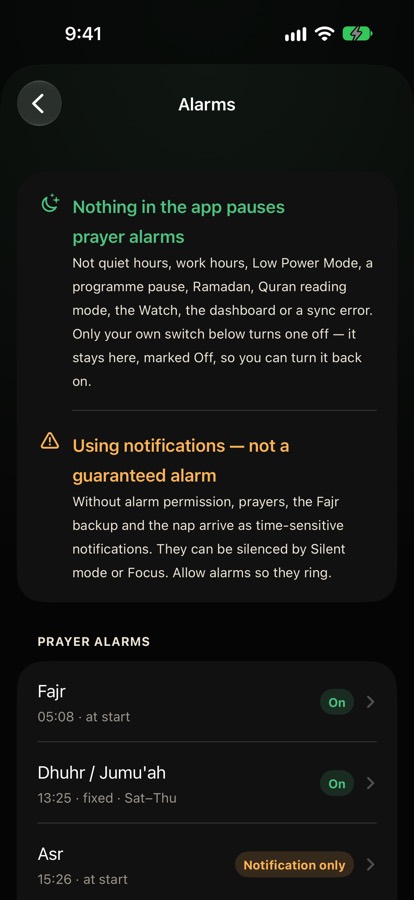
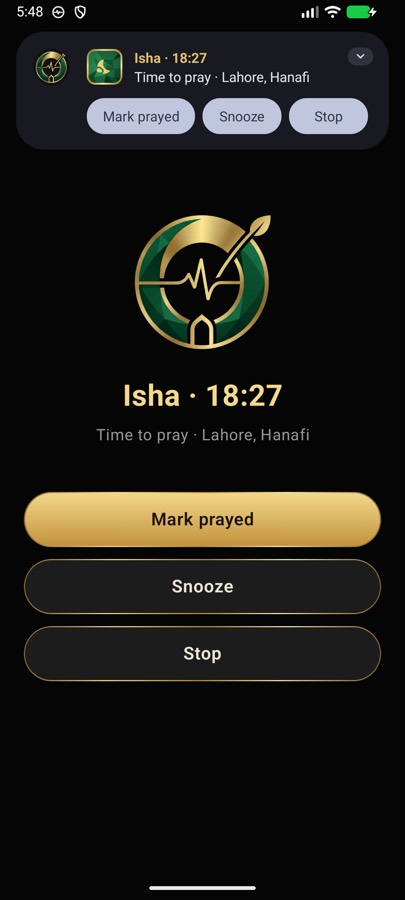
Prayer times are calculated on your phone for your city and method — Karachi and Hanafi by default, twelve methods in all — and adjusted to your mosque if you like. On iPhone they ring like the Clock app, even in Silent mode; on Android they ring full screen.
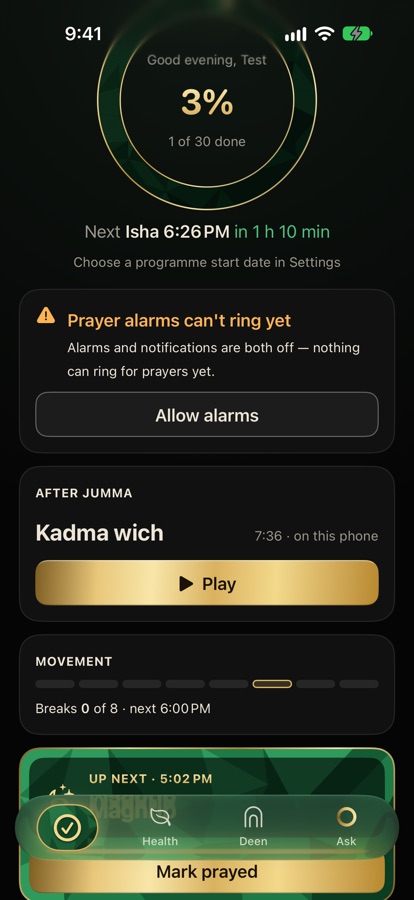
A Fajr backup rings a few minutes later unless you tap “I’m awake”. Alarms are always booked a week ahead, and no feature — quiet hours, a programme pause, Ramadan, reading mode or medicines — can pause them. Only your own switch turns one off.
Quran Pak and adhkar
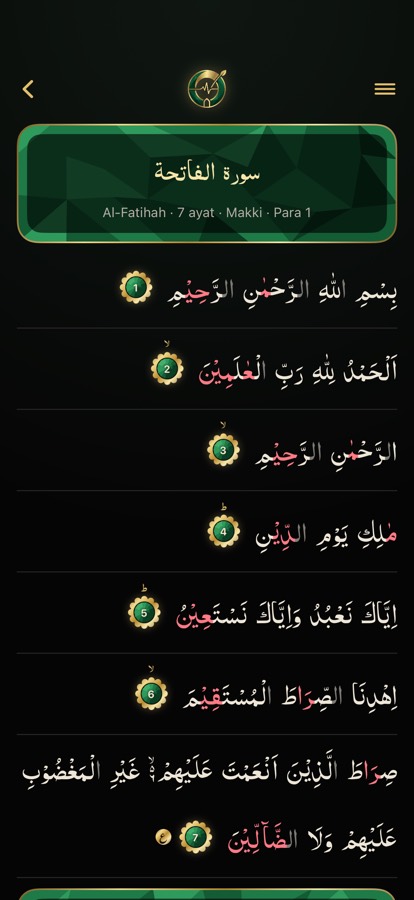
The full Quran in the IndoPak Nastaleeq script, each ayah on its own line, with Urdu translation, word-by-word meanings, bookmarks and “continue where you left off”. Khatam tracking counts every ayah you read. Colour-coded tajweed is marked as a preview until a qualified qari reviews it.
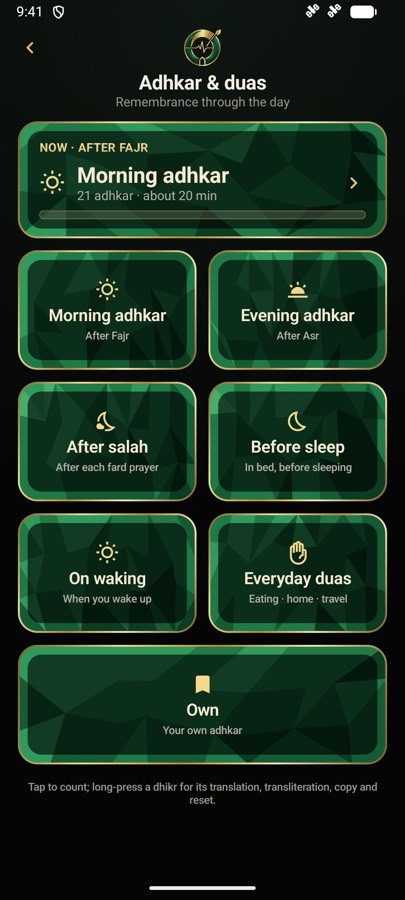
Recommended reading after Fajr and Isha, Al-Kahf on Fridays, and seven adhkar collections with a tap counter — including your own.
A plan that fits around salah
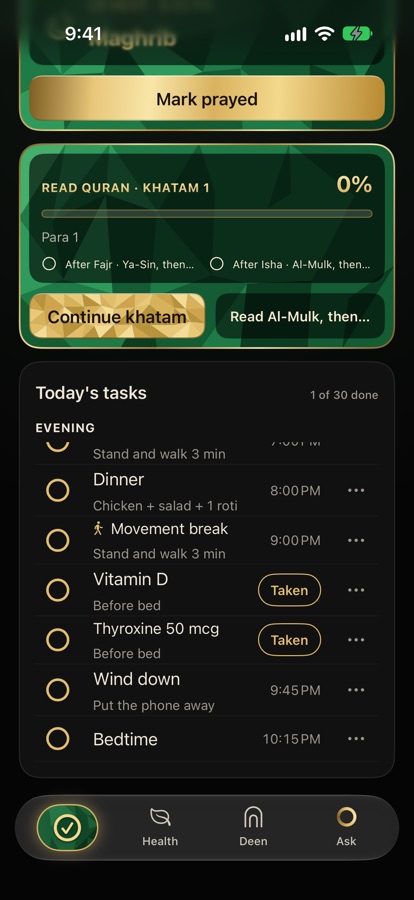
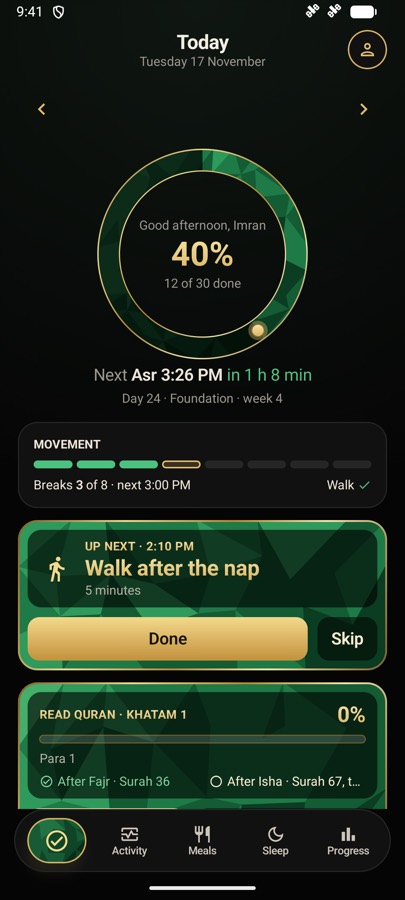
Hourly stand-and-walk breaks during work, skipped near prayers and meals. Four meals from everyday home cooking. A 25-minute afternoon nap with its own countdown. Bedtime worked out backwards from the next Fajr.
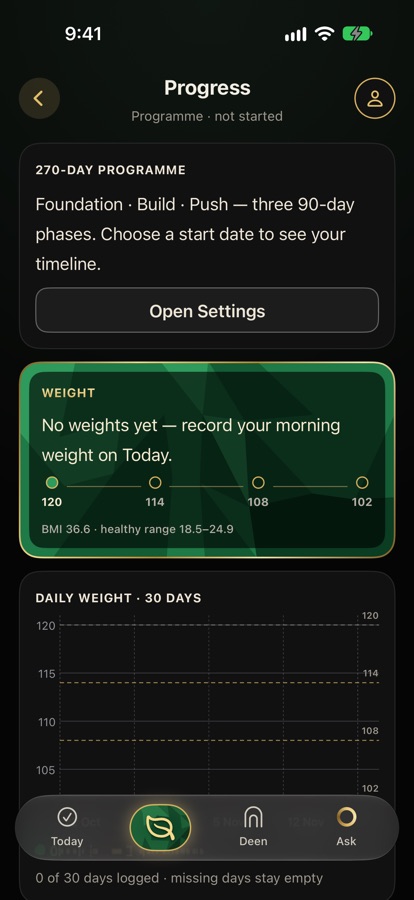
A 270-day programme in three phases — Foundation, Build and Push. Targets step up only when you confirm, never automatically, and at 60 or over the walks start more gently. No streaks and no guilt: a skipped task is simply skipped.
Reminders for your own medicines
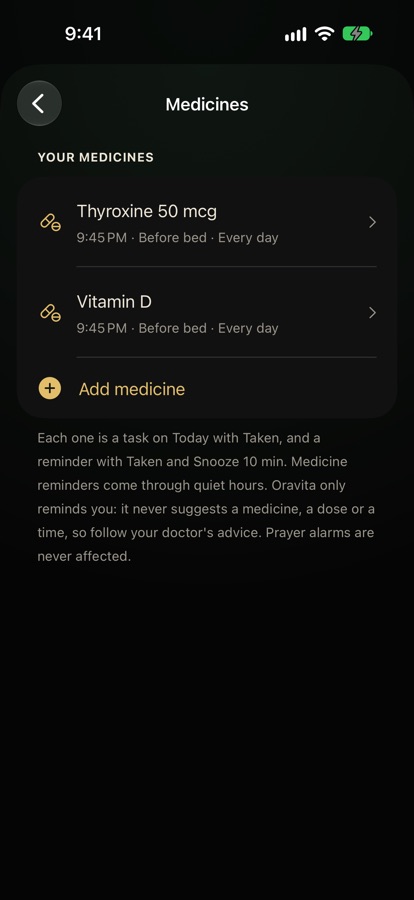
Add your medicines and vitamins with a time — before bed, after Isha, before breakfast, with a meal or a set time — on the days you take them. Each one is a task on Today with Taken, and a reminder with Taken and Snooze. If it isn’t marked, one more reminder comes 30 minutes later.
You can hide the name on the lock screen, so the reminder says only “Medicine reminder”. Oravita only reminds you: it never suggests a medicine, a dose or a time.
Ask, by voice or by typing
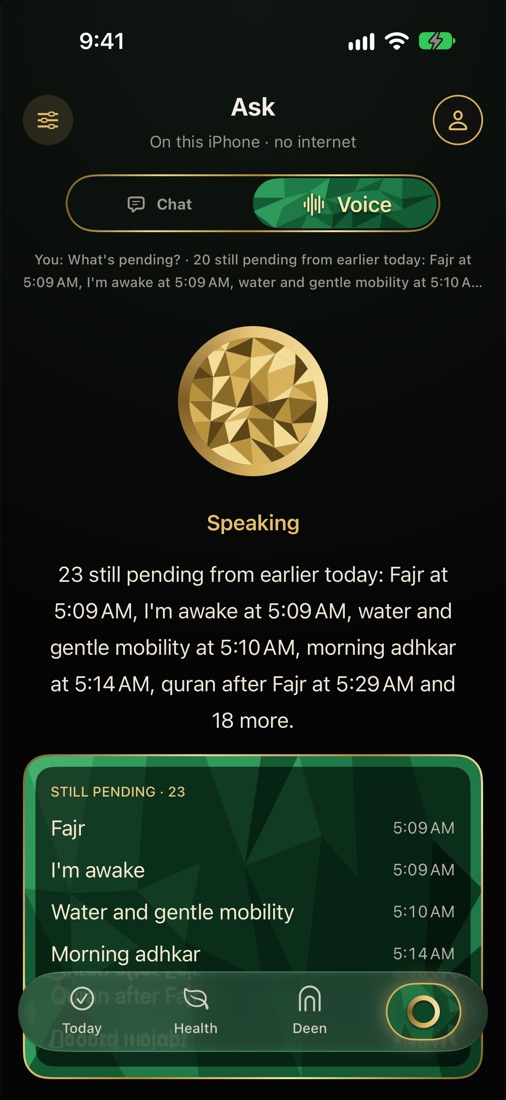
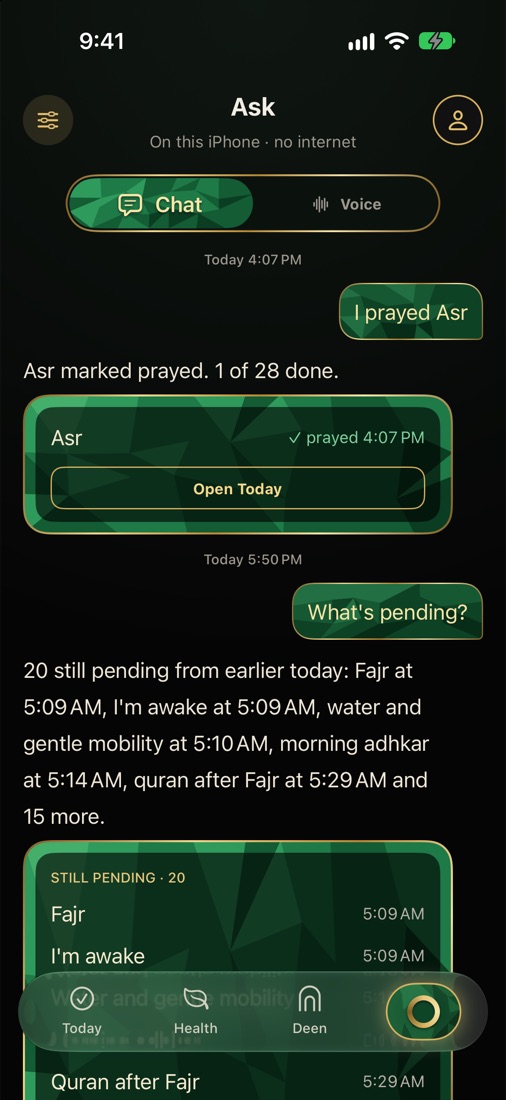
Everything you can tap, you can say: “I prayed Asr and had lunch”, “open Surah Noor ayah 35”, “start my nap”, “I took my thyroxine”, “when is Maghrib”. Ask answers out loud, and you can interrupt it by talking.
Speech is recognised on your phone, not on a server. If Ask mishears a word, say “No, I said …” and it learns it.
Apple Watch, widgets and the lock screen
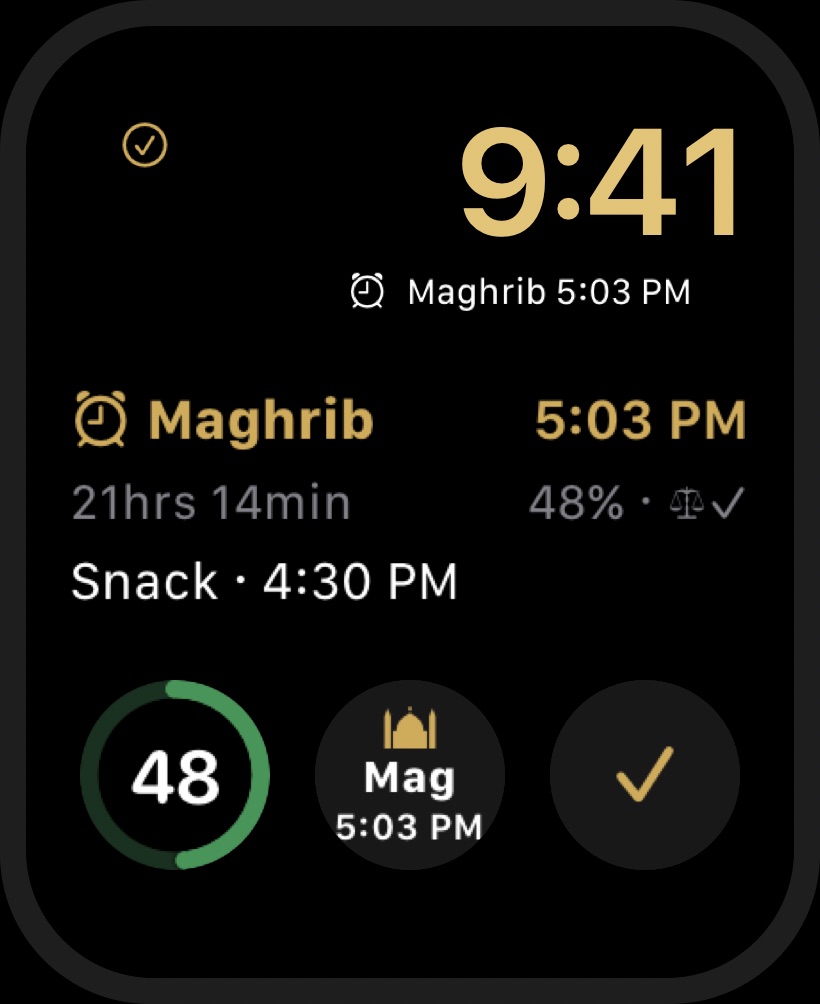
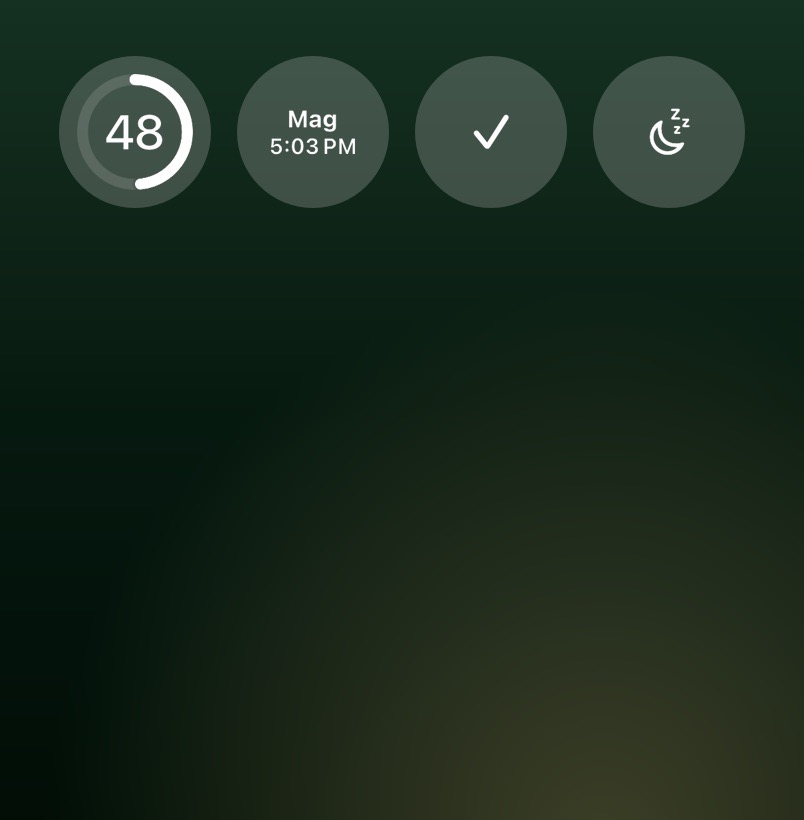
The Watch shows the day, lets you tick tasks and mark prayers, and puts the next prayer on your watch face. Home-screen and lock-screen widgets show the next prayer, prayer times and the day’s progress, with Done right on the widget.
At home or travelling
About 9,000 cities worldwide are built into the app, so prayer times work offline in any time zone. Use your current location once, and the calculation method most mosques use in that country is suggested — your Asr choice stays as it is. When your phone changes time zone, Today offers to update your city.
On Fridays, after Jumu’ah, Oravita offers a short recording to listen to until Asr, with lock-screen controls.
Free, private and offline
No account, no sign-in, no server, no ads and no analytics. Your data stays on your phone; you move it with one export file. Read the privacy policy.